
/wallet
TensorCash Core.
A Qt-based desktop wallet for the TensorCash chain — descended from Bitcoin Core, with native-asset support and an embedded JSON-RPC console. Build it yourself from the public source tree (with Docker, or natively), or pick up a benefactor-published convenience binary below.
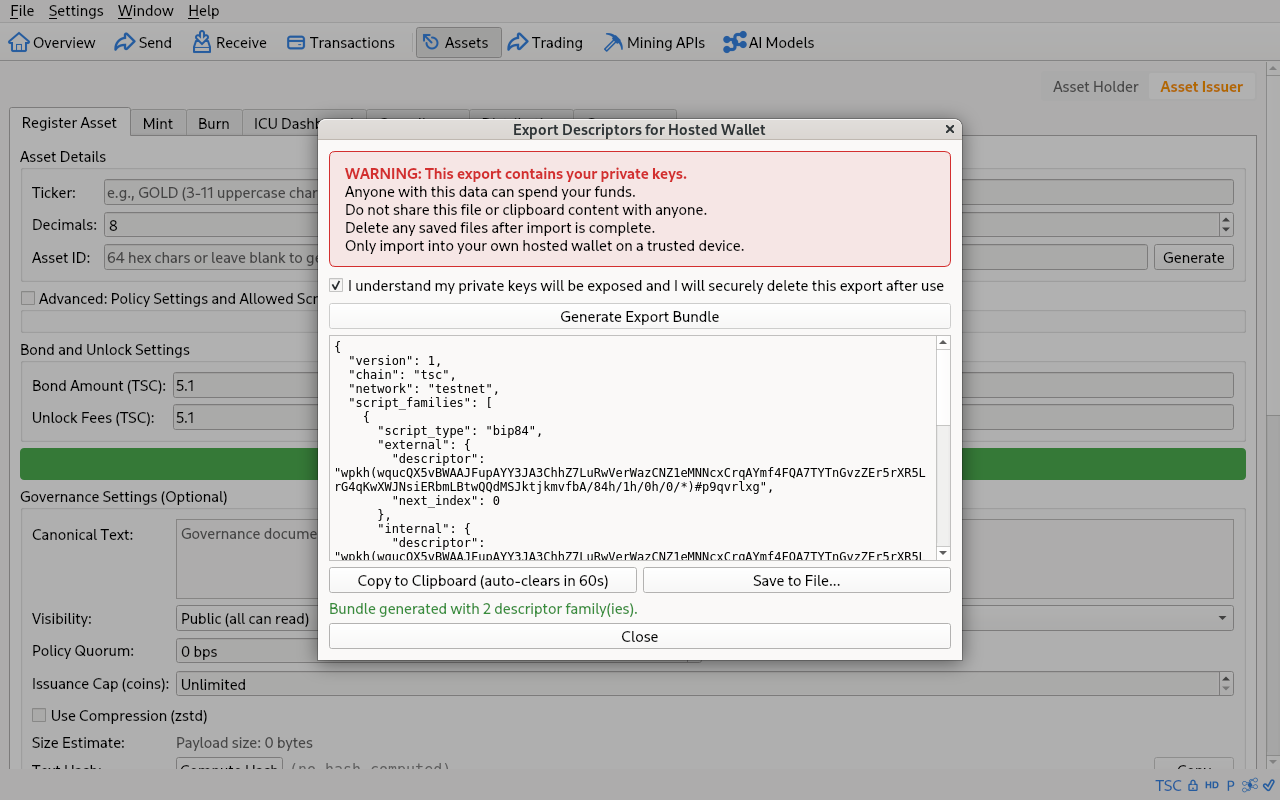
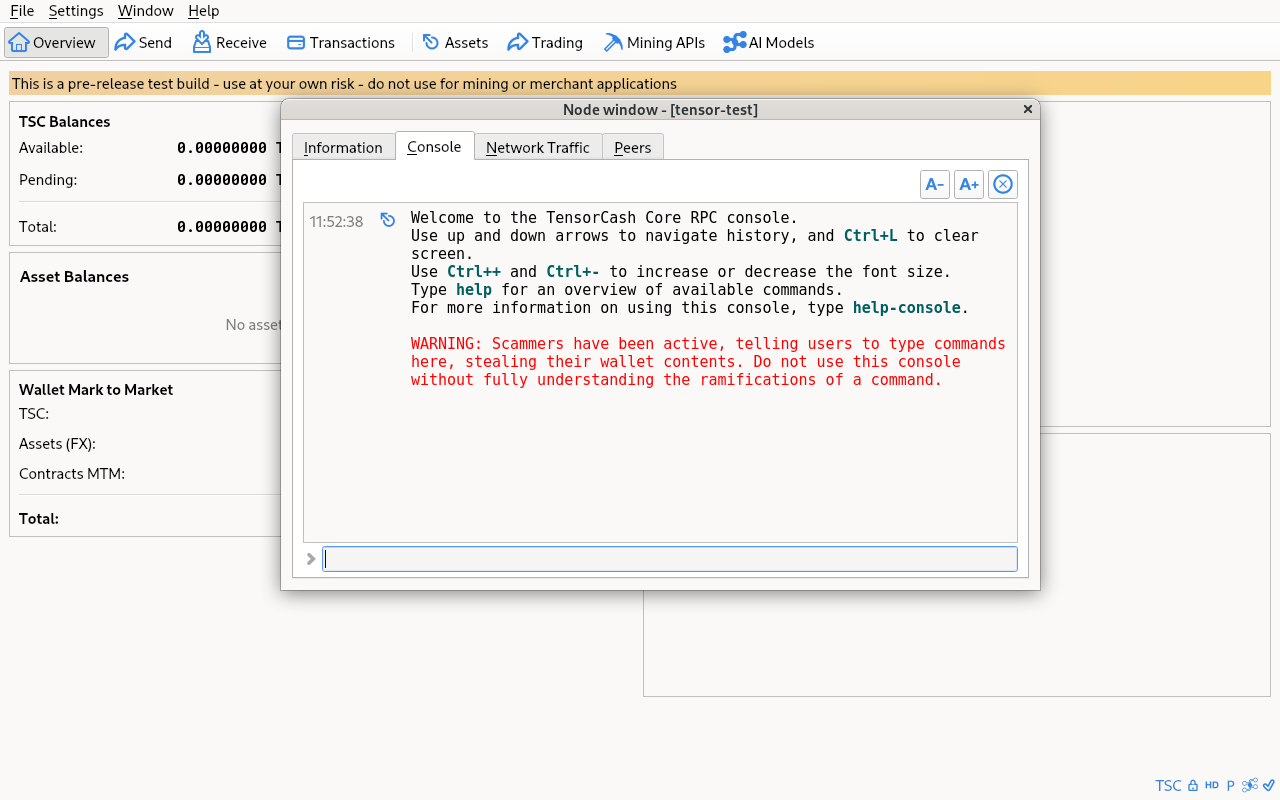
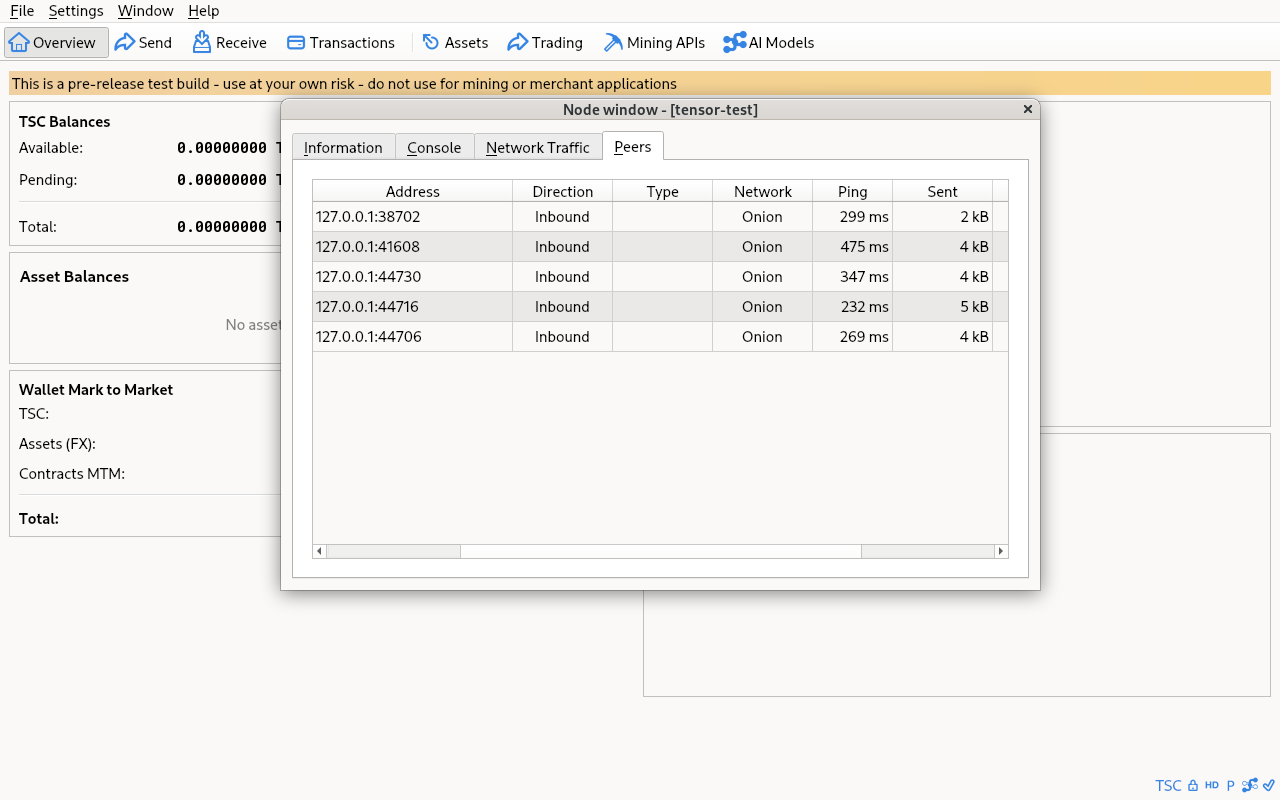
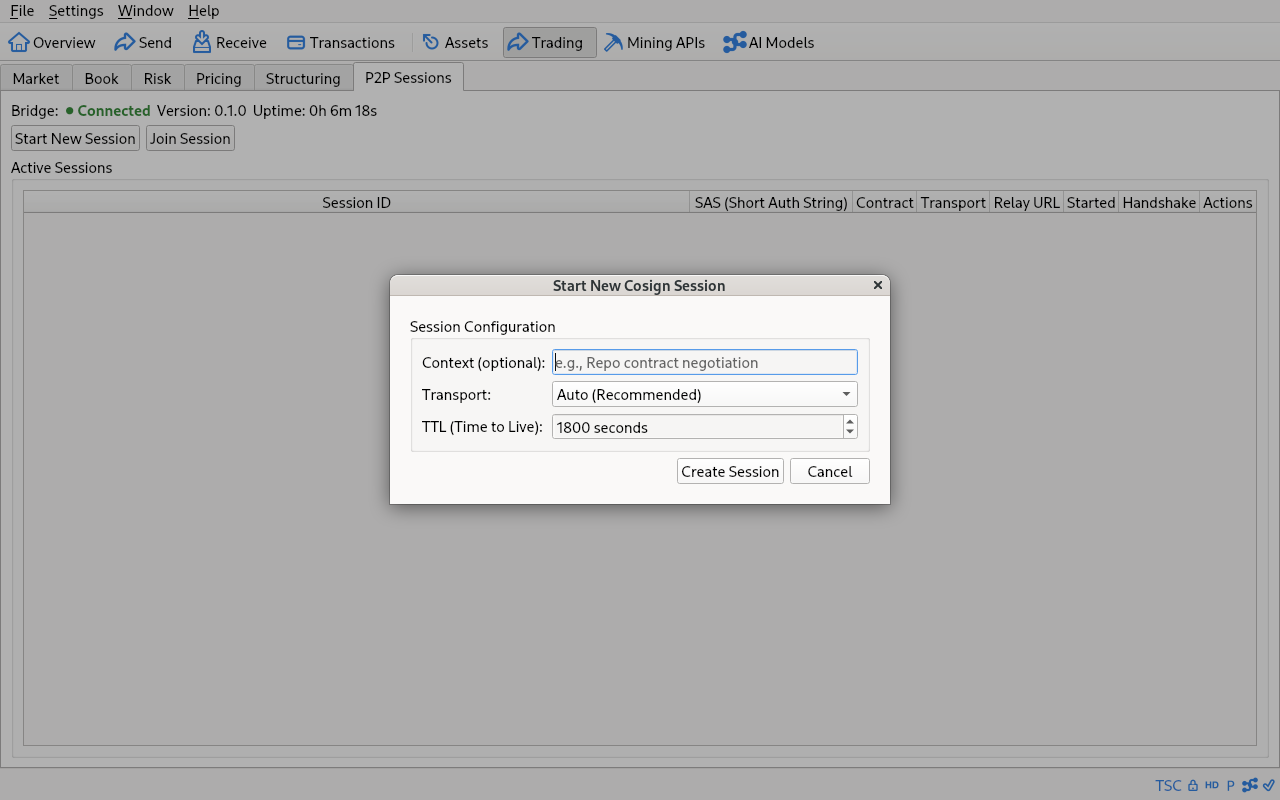
Tour
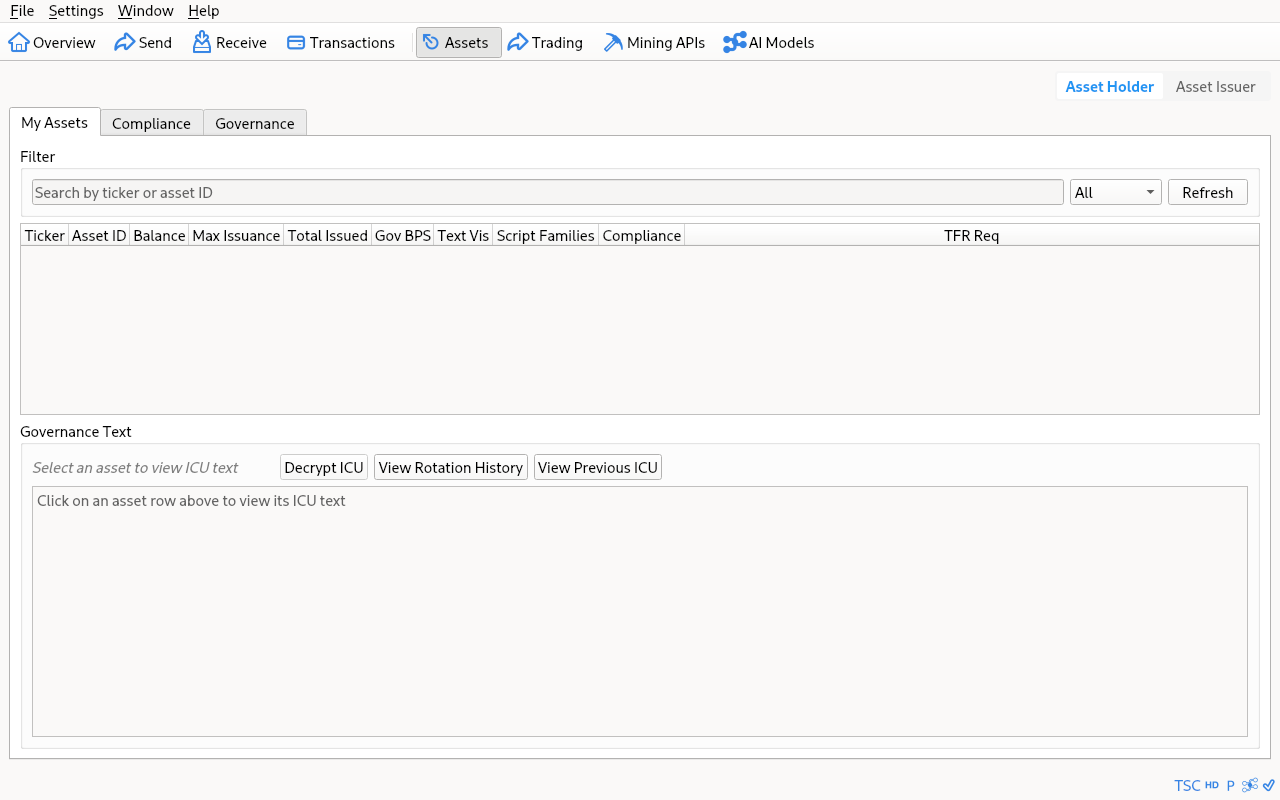
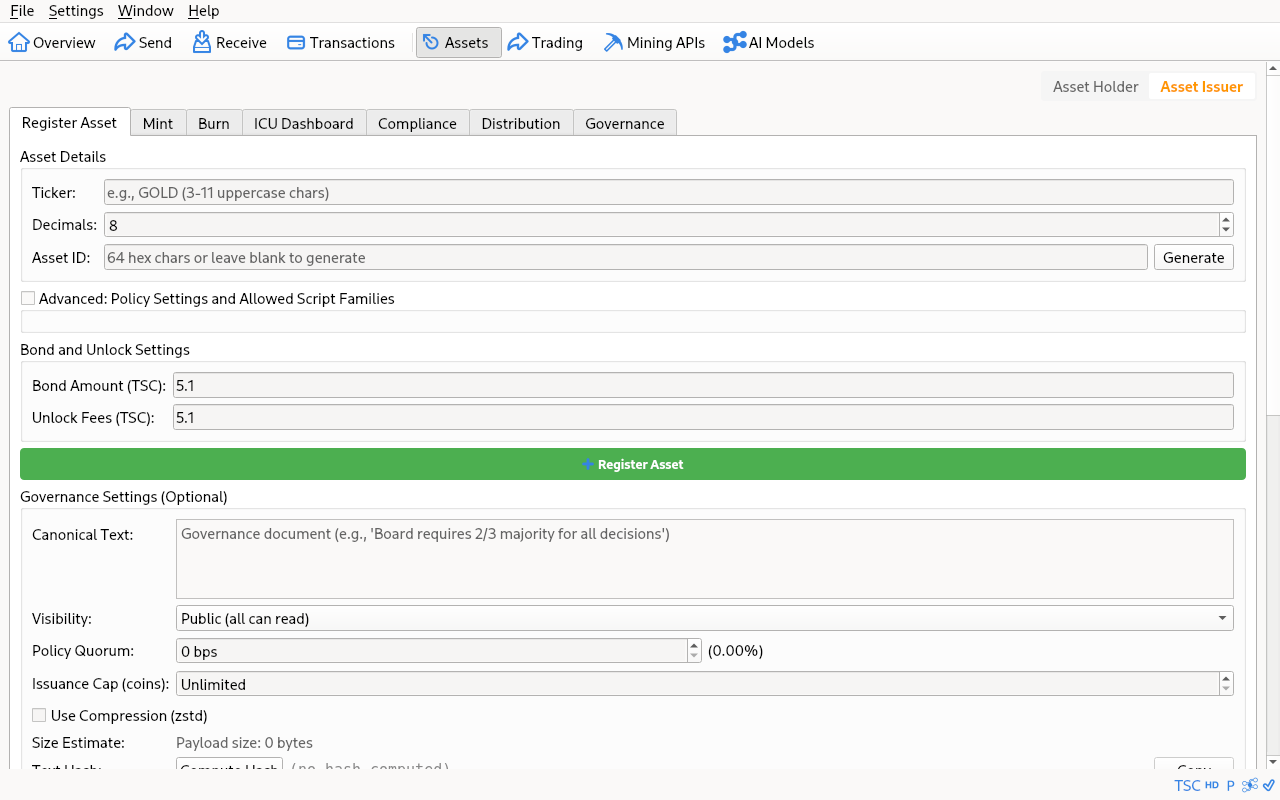
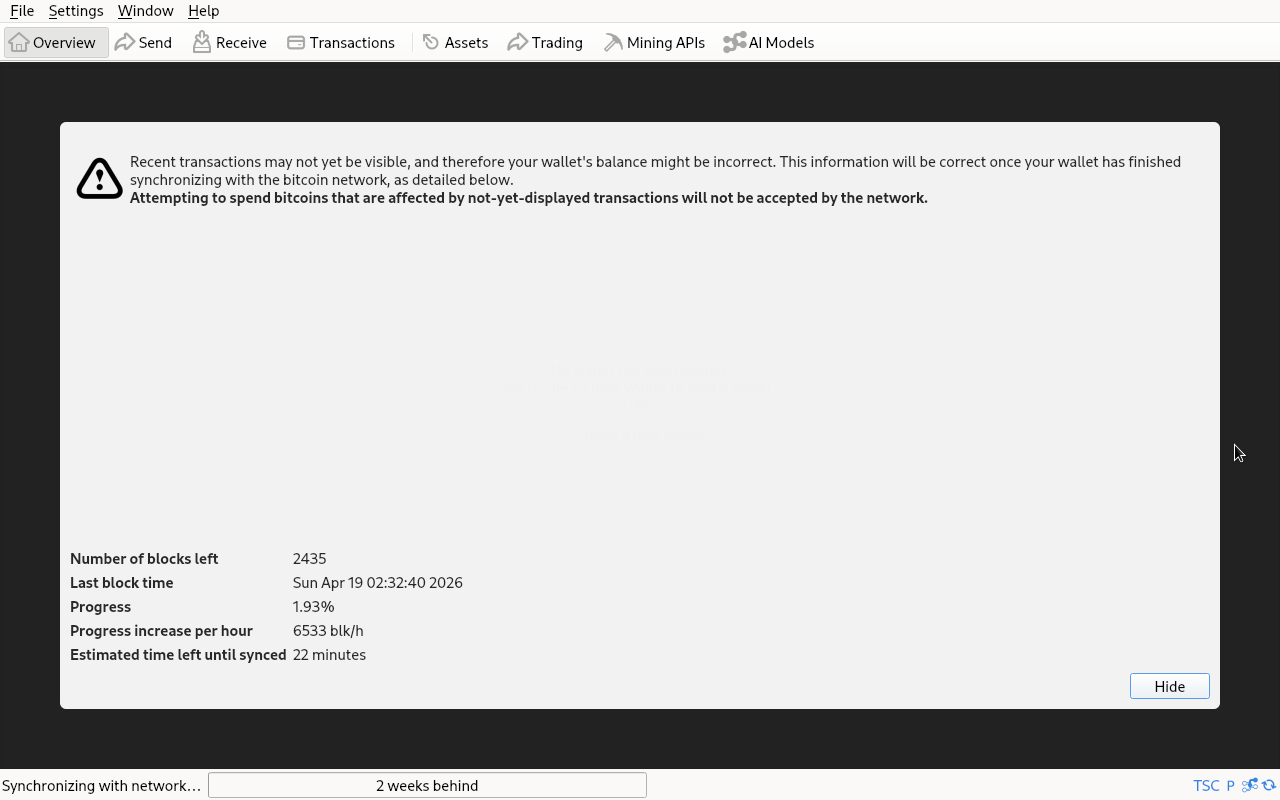
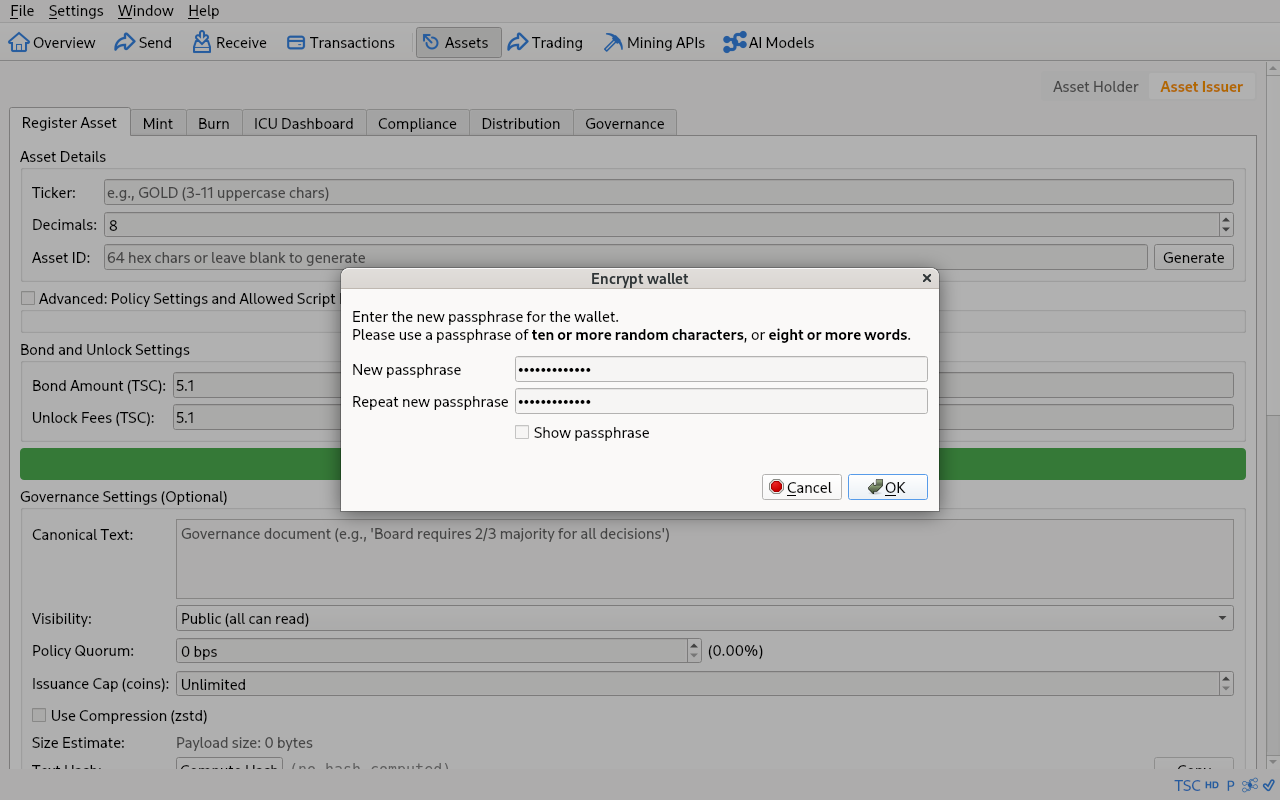
Same shape as Bitcoin Core, with TensorCash-specific tabs for native assets and issuance. Click a tile for the full-resolution image.
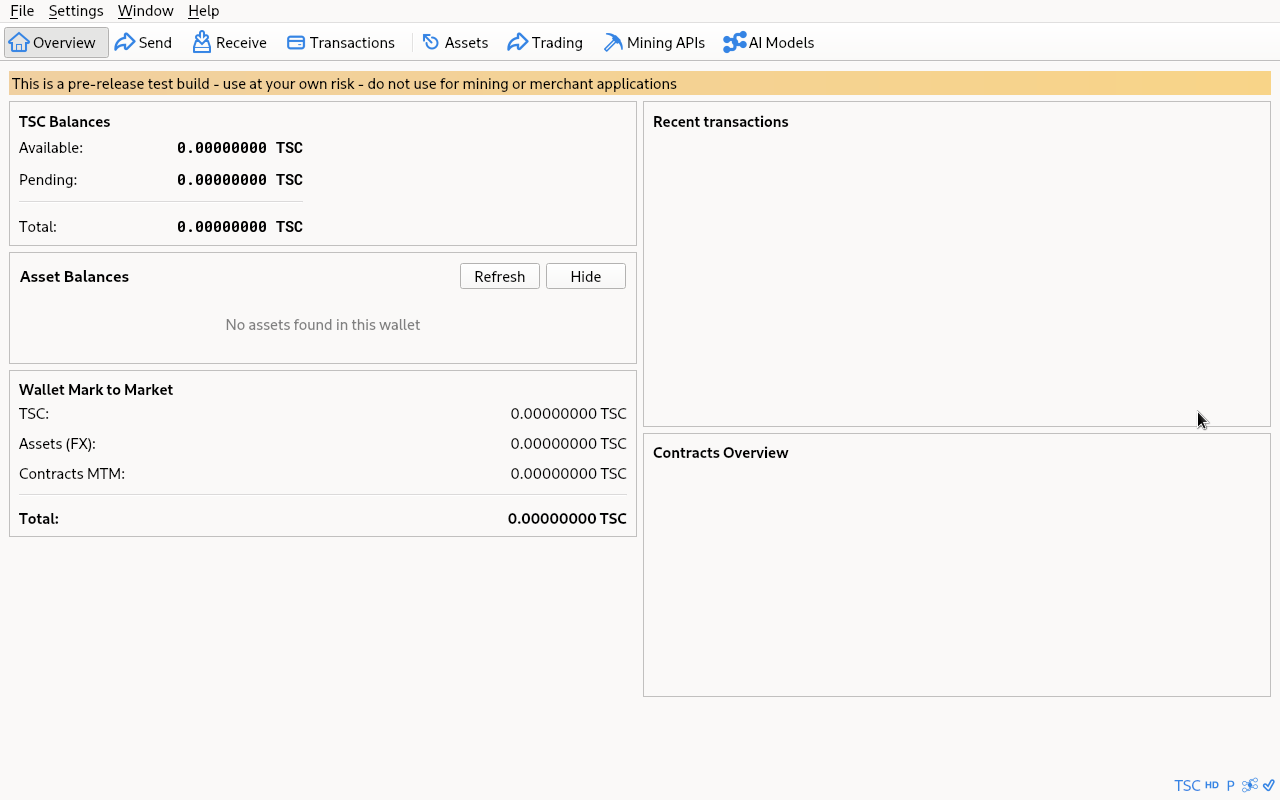
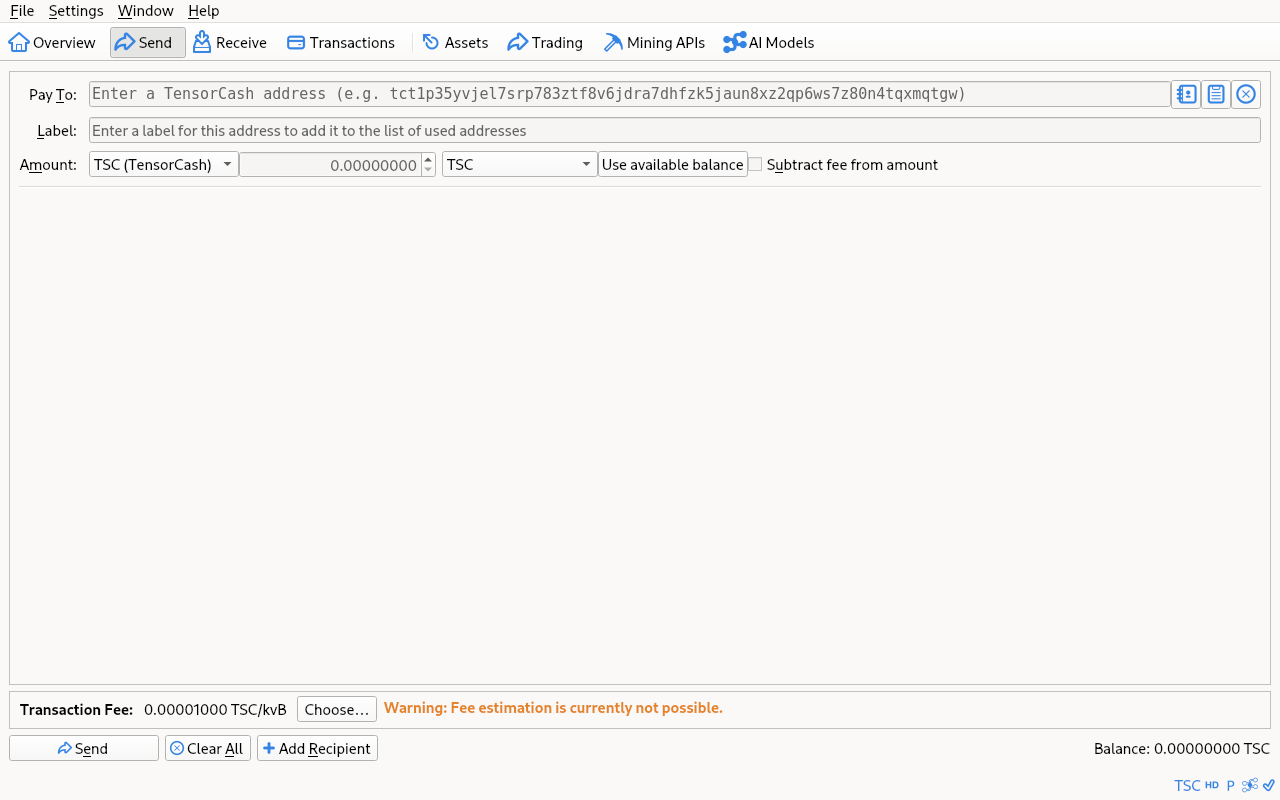
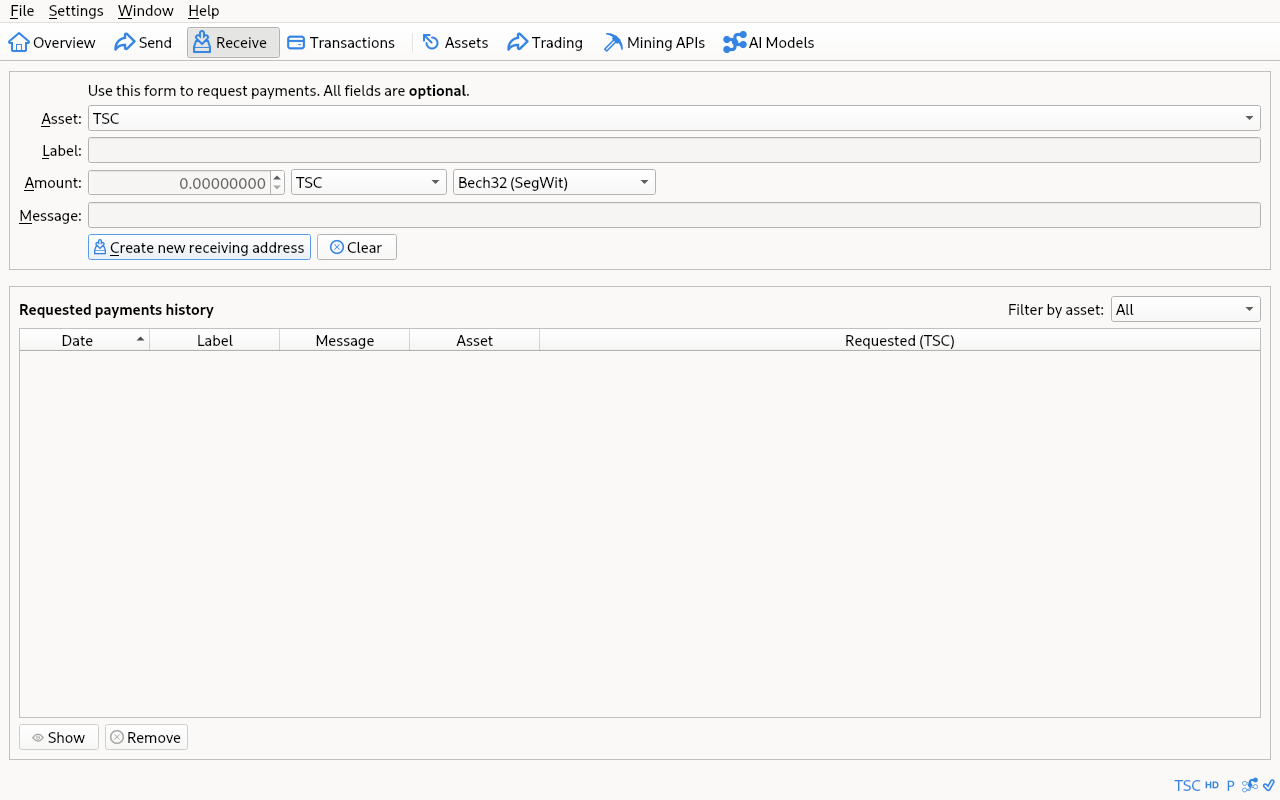
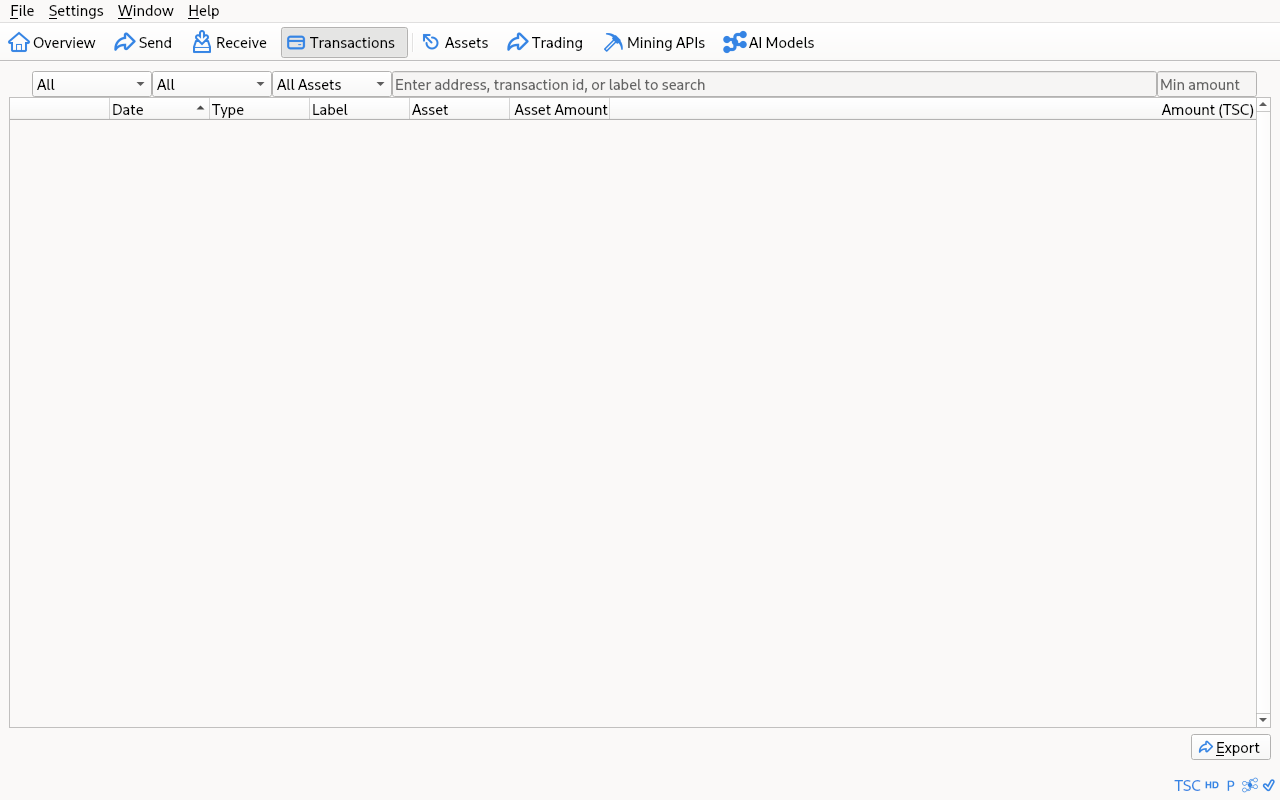
Build from source
The canonical artefact is the source tree at services/core-node/bcore/. The Qt wallet builds from the same CMake target as the headless daemon — pass -DBUILD_GUI=ON at configure time. Two routes: a Dockerfile that builds the entire stack (easiest, sandboxed), or native dependencies on your host (faster iteration, smaller image footprint).
Path 1 · Docker (recommended)
The repository ships a multi-stage Dockerfile that builds the cosign-bridge Rust binary, the ChiaVDF Python wheel, and the full bcore daemon + Qt wallet in one shot. You only need Docker installed on the host. The container also includes Tor for hidden-service networking and a VNC server so you can run the GUI inside the container if you want.
Dockerfile: services/core-node/tor.Dockerfile
git clone --recurse-submodules https://git.tensorcash.org/tensorcash/tensorcash.git
cd tensorcash

docker build \
  -f services/core-node/tor.Dockerfile \
  -t tensorcash-core:dev \
  .
After build, run the container exposing the wallet's RPC port and (optionally) VNC for GUI access:
# Headless daemon, RPC reachable on host:18332.
docker run --rm -p 18332:18332 \
  -v $HOME/.tensorcash-data:/data \
  tensorcash-core:dev

# With the Qt GUI exposed via VNC on host:5900 (default password in the
# container's vnc.sh — change before any non-localhost binding).
docker run --rm -p 5900:5900 -p 18332:18332 \
  -v $HOME/.tensorcash-data:/data \
  tensorcash-core:dev
Path 2 · Native build
Use this if you want native binaries on your host without a container. Tested on macOS 13+ (arm64 / x86_64) and Ubuntu / Debian; Fedora and Arch are documented inside the bcore submodule's doc/build-unix.md.
Clone
git clone --recurse-submodules https://git.tensorcash.org/tensorcash/tensorcash.git
cd tensorcash/services/core-node/bcore
Install dependencies — macOS
Xcode Command Line Tools first, then Homebrew packages.
xcode-select --install   # if not already installed

brew install \
  cmake boost pkgconf libevent \
  qt@6 qrencode \
  zeromq \
  capnp                  # optional, only if you want -DENABLE_IPC=ON
Install dependencies — Linux (Ubuntu / Debian)
Same idea, different package manager. Fedora and Arch live in upstream doc/build-unix.md inside the repo.
sudo apt-get install -y \
  build-essential cmake pkgconf python3 \
  libevent-dev libboost-dev libsqlite3-dev libzmq3-dev \
  qt6-base-dev qt6-tools-dev qt6-l10n-tools qt6-tools-dev-tools libgl-dev \
  libqrencode-dev
Install dependencies — Windows (cross-compile)
Native Windows builds go through MSVC (see doc/build-windows-msvc.md). The faster path most contributors use is cross-compiling from a Linux host (or WSL) using the Mingw-w64 toolchain plus the bundled depends system. NSIS is needed only for the .exe installer target.
# On a Linux host (or WSL inside Windows):
sudo apt-get install -y g++-mingw-w64-x86-64-posix nsis

# Build the depends tree once.
gmake -C depends HOST=x86_64-w64-mingw32 -j$(nproc)
Configure + compile
On macOS / Linux the configure step is a single CMake invocation. On Windows pass the toolchain file generated by the depends tree.
# macOS / Linux
cmake -B build -DBUILD_GUI=ON
cmake --build build -j$(getconf _NPROCESSORS_ONLN 2>/dev/null || nproc)

# Windows (cross-compile from Linux/WSL)
cmake -B build --toolchain depends/x86_64-w64-mingw32/toolchain.cmake -DBUILD_GUI=ON
cmake --build build -j$(nproc)
cmake --build build --target deploy   # produces the .exe installer via NSIS
Common configure flags: -DBUILD_GUI=ON (Qt wallet), -DENABLE_WALLET=OFF (chain-only node), -DWITH_ZMQ=ON (ZMQ pub/sub topics). Run cmake -B build -LH for the full list.
Build the cosign bridge
Cosign features in the wallet (paired-device signing, federated multisig) talk to a sidecar Rust binary called cosign-bridge over a local socket. The Docker path builds it automatically; for native builds you produce it with cargo:
# Rust 1.85+ required.
cd services/core-node/cosign-bridge
cargo build --release --bin cosign-bridge --bin cosign-local-relay
# Binaries land in target/release/. Run cosign-bridge alongside the wallet.
Run
The Qt wallet binary lands in build/bin/. First-run sync against mainnet takes hours and writes a multi-GB chainstate; for a quick smoke test, point it at a regtest datadir instead.
# Smoke test on a private chain — no real coins, no peers, no IBD.
build/bin/bitcoin-qt -regtest -datadir=$HOME/.tensorcash-regtest

# Production: starts initial block download against the live network.
build/bin/bitcoin-qtCompanion services
TensorCash Core is the wallet plus a small set of sidecar services it talks to. The Docker build above bundles all of them; if you build natively, this is what you'd assemble alongside the Qt binary depending on which features you want.
| Service | Source path | What it does | Needed for |
|---|---|---|---|
| cosign-bridge | services/core-node/cosign-bridge/ | Local Rust sidecar that handles cosign / federated-signing pairing (SPAKE2 + Noise over WebSocket). Fronts paired-device flows from the Qt wallet. | Cosign features (multi-device signing, federated multisig) |
| ChiaVDF | shared-utils/chiavdf/ | Verifiable Delay Function used by chain validation. Built as a Python wheel during the daemon build. | Validating any block (mainnet, testnet, or regtest) |
| core-node REST | services/core-node/src/ | Small REST surface alongside the JSON-RPC server. Exposes model metadata + node metrics. | Provider integrations; the wallet itself does not need it |
| verification-api | services/verification-api/ | OSS verification service. The wallet does not call it directly — bcore does, when -validationapi=real. | Real (non-mock) block validation in production |
| miner-api | services/miner-api/ | Bridges between the chain and the inference engine (llama.cpp / vLLM). Producer of the inference proof that becomes part of a block. | Mining (serving inference + producing blocks) |
Benefactor binaries
Building from source is the canonical path. As a convenience, community benefactors publish their own builds of the same source tree. The project does not produce, sign, or distribute binaries — these are independent third-party publications, listed here for discovery only. Verify any benefactor build against your own from-source build, or cross-reference between benefactors.
Convenience binaries are published by community benefactors and listed in the network directory. Those listings are unverified and not endorsed by the project — always verify a build's PGP signature against the public source (below) before you run it.
To be listed as a benefactor: build from a tagged source release, publish a SHA-256 manifest of your artefacts and a detached PGP signature, and open a pull request adding a row to this table.
Verifying a benefactor build
Two checks. The first ties the benefactor's claim to the binary you downloaded; the second ties the binary to the source.
Hash + signature
Every benefactor publishes a SHA256SUMS file and a detached SHA256SUMS.asc signature. Confirm that the file you downloaded matches the manifest, and that the manifest is signed by the benefactor's published PGP key.
# 1. Manifest matches the binary you have on disk.
shasum -a 256 -c SHA256SUMS --ignore-missing

# 2. Manifest is signed by the benefactor's key.
gpg --verify SHA256SUMS.asc SHA256SUMS
Cross-reference
A single benefactor's signature only proves they vouch for the binary — not that the binary matches the source. Two ways to close that gap: build from source yourself and compare hashes, or compare against a second benefactor's manifest for the same release tag. When two or more independent builders publish identical SHA-256s for the same artefact, you have evidence that the build is reproducible from public source.
Where next
- regtest guide — local-development sandbox with mock validation, model-registration and asset-issuance walkthroughs.
- JSON-RPC reference — the embedded console in the wallet speaks every method on this reference.
- Get involved — every other way to participate: institutions, providers, developers, verifiers, researchers.